A quick post on how to change the Windows display language with Powershell. You might use these commands based on any logic that determines the user’s location/language. For instance, I created a script that gets executed on logon and sets the language based on some criteria (maybe an Active-Directory group or attribute).
Here is a quick way to find inactive AD Users in your environment. Get-ADUser ist the cmdlet we are going to use.
We are getting all users from the highest OU (domain.com) and using the Property LastLogonDate, which will not be returned if not specified in the -Properties parameter. After that a Where statement is going to show users that haven’t logged in since 90 days or more.
Here is a quick tip to install the VMware PowerCLI, which is – like the name says – for Windows PowerShell.
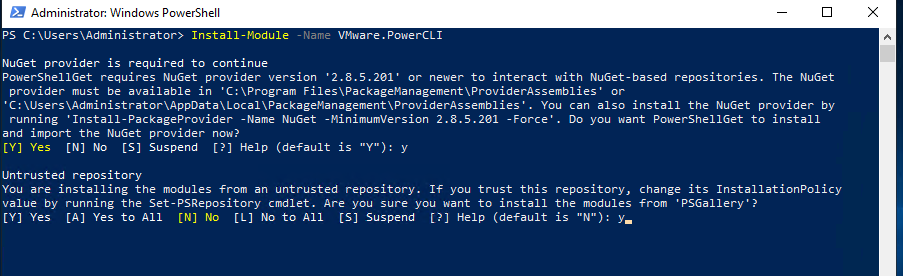
To initiate the installation process, type this command into the Powershell Console:
Install-Module -Name VMware.PowerCLI
Powershell will ask you if you wish to install “NuGet”, which is required to automatically download and install VMware PowerCLI from PSGallery. You also have to trust the PSGallery repository in order to proceed with the installation.
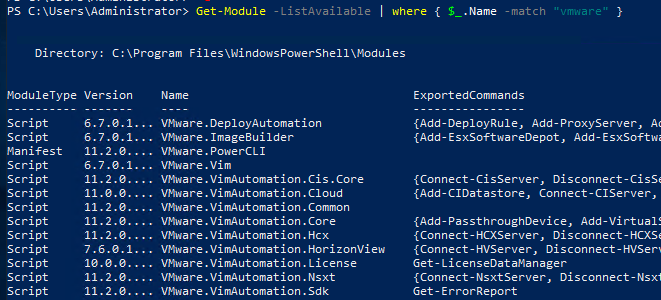
Now you can list all of the VMware PowerCLI Modules:
Get-Module -ListAvailable | where { $_.Name -match “vmware” }
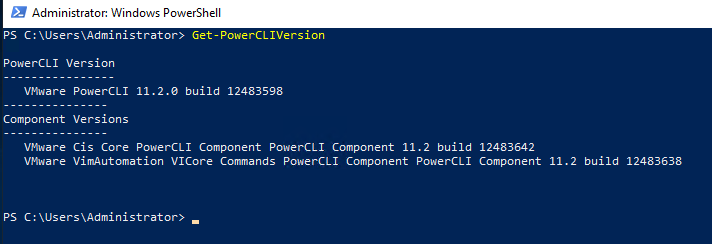
Or just check your currently installed VMware PowerCLI version:
With Windows Server 2008 R2, Active Directory has now a recycle bin. With this feature you do not have to use for example Windows Server Backup to initiate an authoritative AD restore, instead you can quickly recover deleted Users, OUs, Groups and other objects through Active Directory Administrative Center (Windows Server 2012 an upwards) or PowerShell
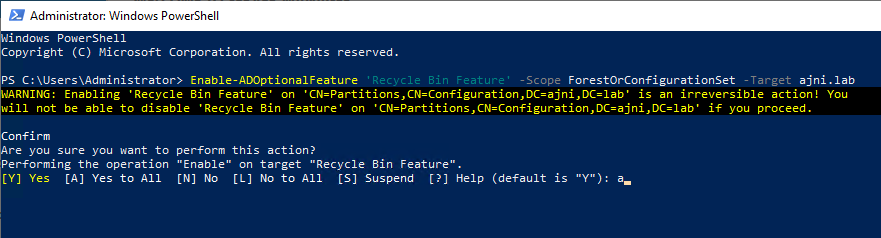
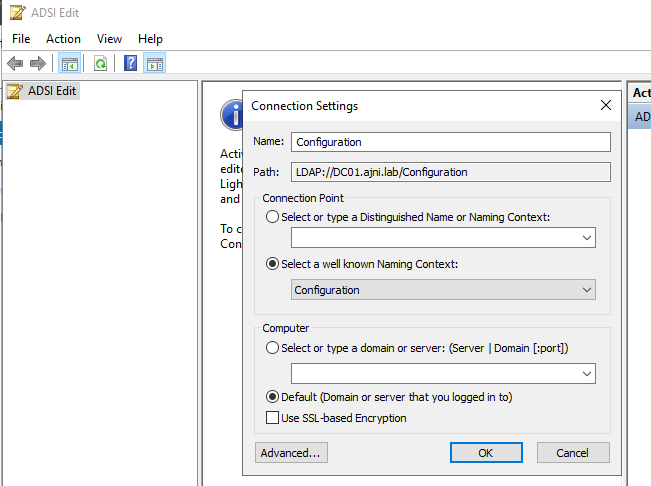
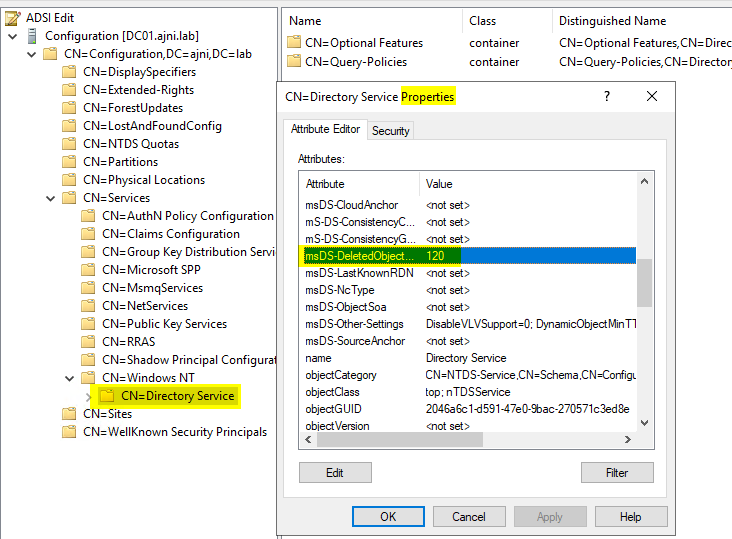
Enabling AD Recycle Bin (PowerShell commands
Enable-ADOptionalFeature ‘Recycle Bin Feature’ -Scope ForestOrConfigurationSet -Target ajni.lab
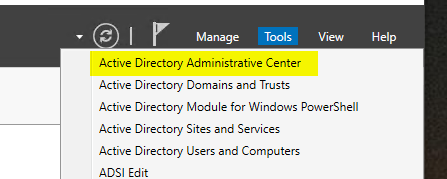
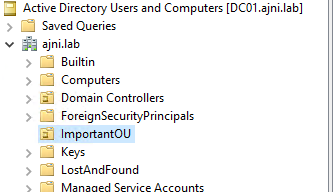
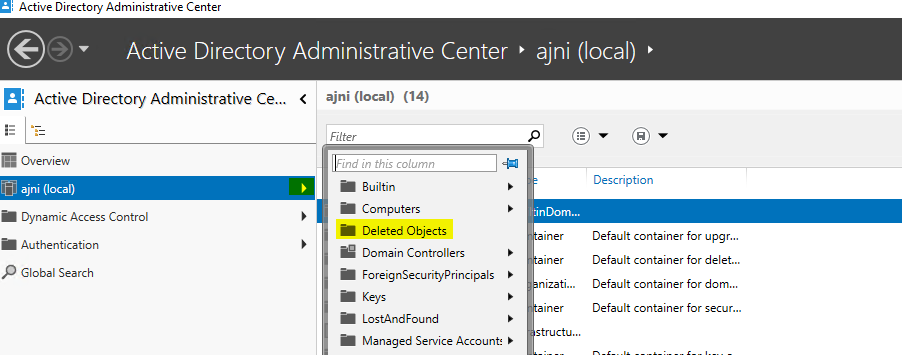
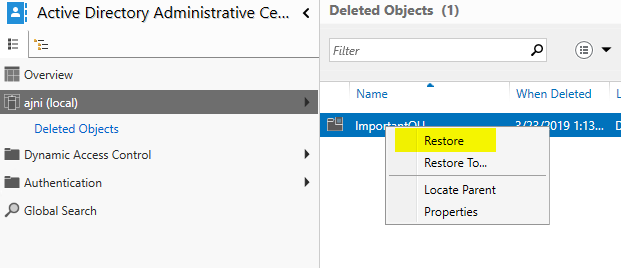
We can also restore from Active
Directory Administrative Center (ADAC)
Note that while AD Recycle Bin gives you the
flexibility of quickly restoring deleted AD Objects, you should also have a
functional Windows Server Backup and VM Backup with solutions like HPE Data Protector
or VEEAM. Just in case something goes horribly wrong!
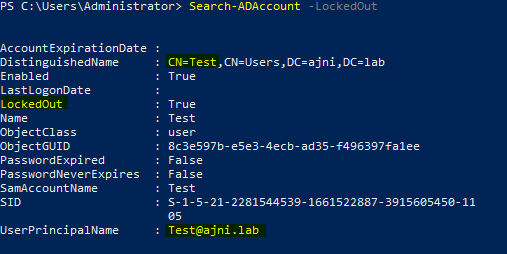
Here is a quick command to find locked out users in your domain. Pretty straightforward:
If that’s too much Information you can only select the username:
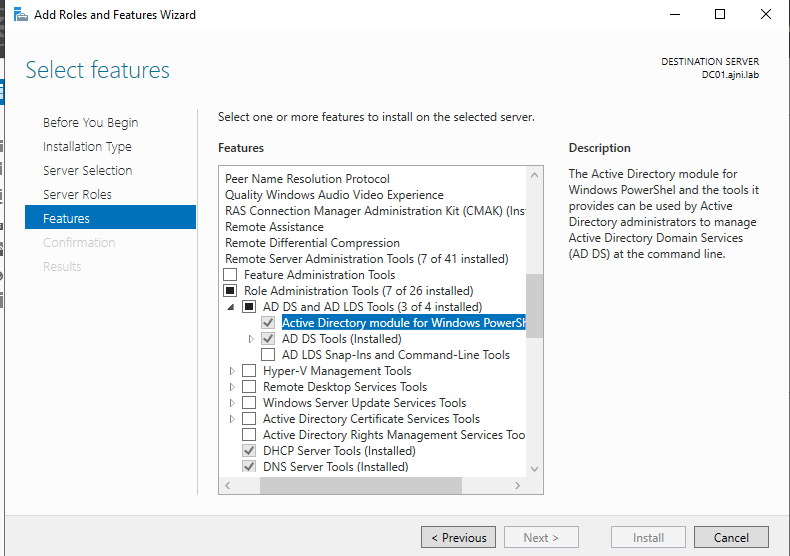
The command is not getting recognized? Be sure to install the RSAT (Remote Server Administration Tools) for AD DS (Active Directory Domain Services), which also install the Powershell Snap-In via Server Manager (if you are using a Windows Server OS to manage your AD):